
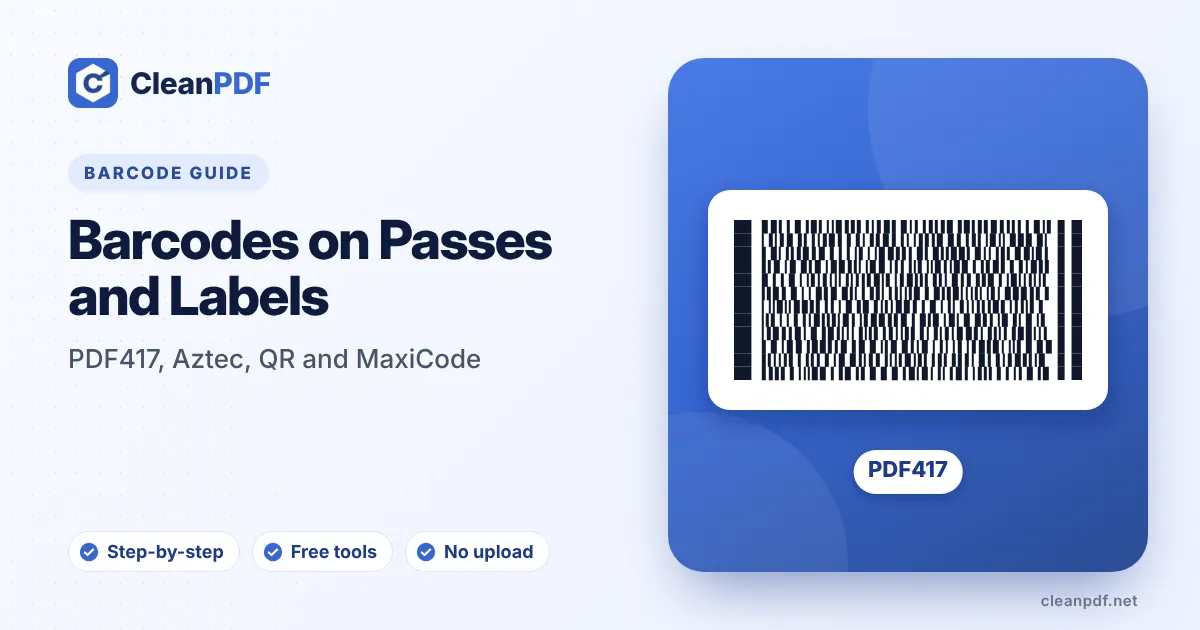
Paper boarding passes carry a PDF417 barcode under the airline industry’s BCBP standard; mobile boarding passes use Aztec, QR or Data Matrix. US and Canadian driving licences store the card’s details in a PDF417 on the back. Parcel labels usually combine a Code 128 tracking number with a 2D code; UPS uses MaxiCode, the one with a bullseye. You can read any of them with Barcode Reader.
Most of the barcodes you carry around aren’t the striped EAN codes on groceries. They’re 2D codes that hold whole records: your name, flight, seat, date of birth or delivery address. Each type was chosen for the scanners and conditions it had to work with.
Boarding passes
Airlines follow the IATA Bar Coded Boarding Pass (BCBP) standard, which fixes what data the code holds and which barcode types are allowed.
| Format | Barcode | Why |
|---|---|---|
| Printed boarding pass | PDF417 | Chosen in 2005, when airport scanners were mostly laser scanners, which can read PDF417 one row at a time |
| Boarding pass on a phone | Aztec, QR or Data Matrix | Square codes suit screens and modern camera-based scanners; Aztec needs no blank margin |
The code typically holds your name as on the booking, the booking reference (PNR), flight number, date, origin and destination, seat and sequence number, and frequent-flyer number if you gave one.
That’s why you shouldn’t post a photo of your boarding pass online. Anyone who reads the code gets your name and booking reference, which on many airline websites is enough to view or change the booking. Cover the barcode, or don’t post it at all, and shred paper passes after the trip.
Driving licences and ID cards
In the US and Canada, driving licences and many state ID cards follow the AAMVA standard, which puts a PDF417 barcode on the back. It contains the details printed on the card: name, address, date of birth, licence number, expiry date and physical description. Bars, car rental desks and pharmacies scan it to fill in forms or check age without typing.
Other countries use different approaches, from machine-readable lines of text on passports to QR codes on newer national ID cards, so check what yours holds before assuming.
Why PDF417 looks the way it does
Despite the name, PDF417 has nothing to do with PDF documents. It means Portable Data File, and "417" describes its structure: each codeword is made of 4 bars and 4 spaces across 17 modules. It’s a stack of short rows, up to 90 of them, which is why it looks like a wide block of thin barcodes. It can hold around 1,800 text characters and has strong error correction, so a scratched card still reads.
Parcel and shipping labels
| Code on the label | What it’s for |
|---|---|
| Long striped barcode (often Code 128 or GS1-128) | Tracking number, scanned at every step |
| Bullseye-patterned square (MaxiCode) | UPS sorting data: destination postcode, country and service, read at high speed on conveyors |
| Square dotted code (Data Matrix) or QR | Carrier routing and parcel details |
| Tall/short bars (postal 4-state codes) | Postal sorting on letters and small parcels |
Labels can include your name and address in the 2D code as well as in print, so remove or black out labels before throwing boxes away.
Reading them yourself
Barcode Reader decodes PDF417, Aztec, Data Matrix, QR, MaxiCode and the common striped types from a photo, screenshot or camera, on your own device. It’s a quick way to see exactly what a code on your own documents contains. For making these codes, see the PDF417, Aztec and MaxiCode generators.
Frequently asked questions
What barcode is on a boarding pass?
What information is in a boarding pass barcode?
Is it safe to post my boarding pass online?
What is the barcode on the back of a US driving licence?
What is the bullseye code on UPS labels?
See what a barcode contains
Reads PDF417, Aztec, QR, Data Matrix, MaxiCode and more, on your device.
Open Barcode Reader
Founder of CleanPDF. I build the site’s browser-based PDF, image, QR code and calculator tools, and I write these guides around the questions people send in while using them.