
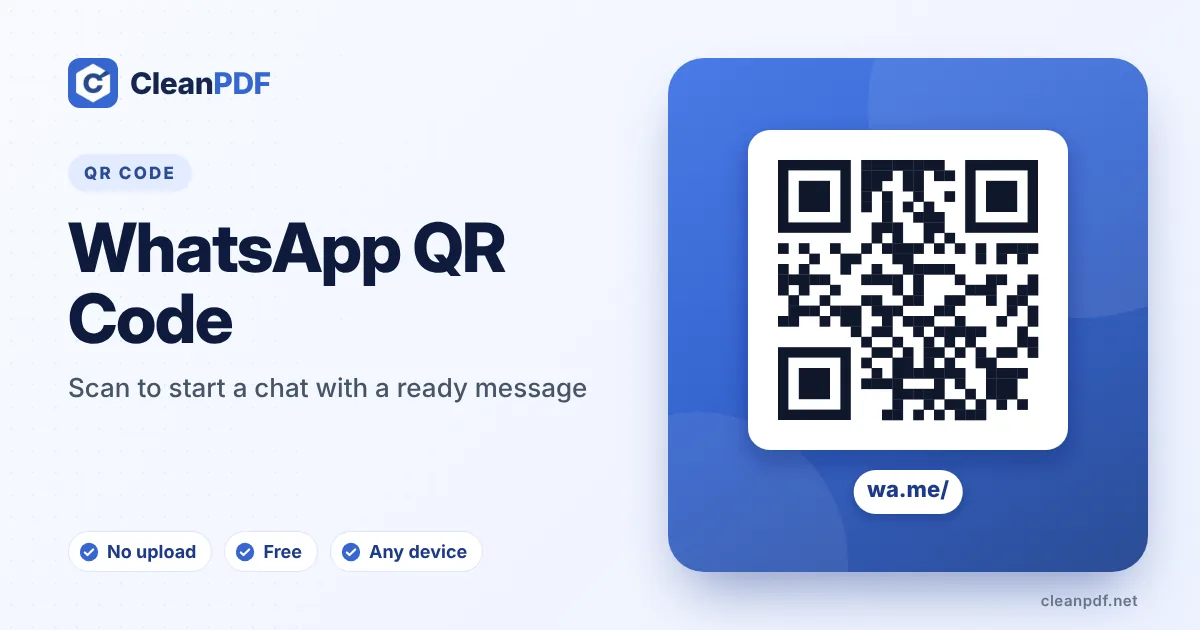
Quick answer: enter your WhatsApp number with the country code (for example +92 300 1234567) and an optional first message. The QR code holds an official wa.me link, so scanning it opens WhatsApp straight into a chat with you – the customer doesn’t need to save your number first. Download it and put it on your counter, menu or packaging.
Why businesses love WhatsApp QR codes
Asking someone to save your number, open WhatsApp, find the contact and start typing loses most people halfway. The https://wa.me/923001234567?text=... link inside this code skips all of that. In countries where WhatsApp is how people shop – Pakistan, India, Brazil, Indonesia, much of Africa and the Gulf – it is often the single most-used code on a shop counter.
Pre-filled messages that get answered
The first message tells you why they are writing before you even reply. Some that work well:
- “Hi, I’d like to place an order for delivery.” – on menus and flyers.
- “Hello, I’m interested in the 3-bed flat on Canal Road.” – on property boards.
- “I need help with order #” – on packaging, leaving space for the number.
- “Appointment request for…” – at clinics and salons.
Use a separate code with a different message for each flyer or location, and you will know which one brought the chat.
Number format, done right
wa.me links need the full international number with no plus sign, no spaces and no leading zero: Pakistan 0300 1234567 becomes 923001234567, UK 07700 900123 becomes 447700900123. Type it however you like – the tool strips the extra characters – but do include the country code.
Not everyone uses WhatsApp – placing an SMS QR code or a call QR code beside it gives those customers a way to reach you too. Restaurants often pair a WhatsApp ordering code with a menu QR code on the same table card.
How to create a WhatsApp QR code
- Enter your WhatsApp number. Include the country code. It can be a normal or a WhatsApp Business number.
- Write the first message. Optional. It appears in the customer’s text box; they can edit it before sending.
- Brand it. Under “Style it” pick the WhatsApp green preset or your own colours and add your logo.
- Scan to test and download. Your own WhatsApp should open a chat with your number. Then download PNG, SVG or PDF.
WhatsApp’s own QR code or this one?
WhatsApp Business can show a QR code too, but it is tied to the app and can be reset. A wa.me code from here is a plain link: it keeps working as long as the number is on WhatsApp, you can style it, and you can make as many variations with different messages as you like.
A ready-made counter card
Under the preview you can download an A6 card (105 × 148 mm, print-ready at 300 dpi) with your heading, the QR code and your number written out. Print it on card stock, fold a cardboard stand or slip it into an acrylic holder next to the till. The PDF version prints at the exact size on any printer – set scaling to “100%” or “Actual size”.
Measuring which code brings chats
WhatsApp has no scan counter, but the first message works as a tag. Use “Hi! I saw your flyer” on flyers and “Hi! I’m at your shop” on the counter card, and you’ll see which one starts conversations. WhatsApp Business users can also save a quick reply for each message type.
Common mistakes we see
- Keeping the leading 0 – wa.me needs 92300…, not 0300…; the country picker removes it for you.
- Using a landline – it only works if that number is registered on WhatsApp (Business can use landlines).
- Changing phones but not numbers is fine – the code follows the number, not the device.
Frequently asked questions
Does the person need to save my number first?
No. The wa.me link opens a chat with you directly, even if your number is not in their contacts.
Does it work with WhatsApp Business?
Yes. wa.me links work for personal and Business accounts in exactly the same way.
What if the scanner does not have WhatsApp?
The link opens a WhatsApp web page that offers to install the app or continue on WhatsApp Web on a computer.
Can I link to a WhatsApp group instead?
Yes. Copy the group invite link (chat.whatsapp.com/…) from the group settings and use the URL QR code with that link.
Why does it say the number is not on WhatsApp?
Usually the country code is missing or a leading 0 was kept. Enter the number as +country code followed by the number without its first 0.
Is the pre-filled message sent automatically?
No. It is placed in the message box and the customer taps send, after editing it if they want.
Can I print a WhatsApp card for my counter?
Yes. After entering your number, use “Counter card PNG” or “Counter card PDF” under the preview for a print-ready A6 card.
Does the QR code work for WhatsApp Business catalog links?
A wa.me code opens a chat. To open your catalog, copy the catalog link from WhatsApp Business and use the URL QR code generator.