
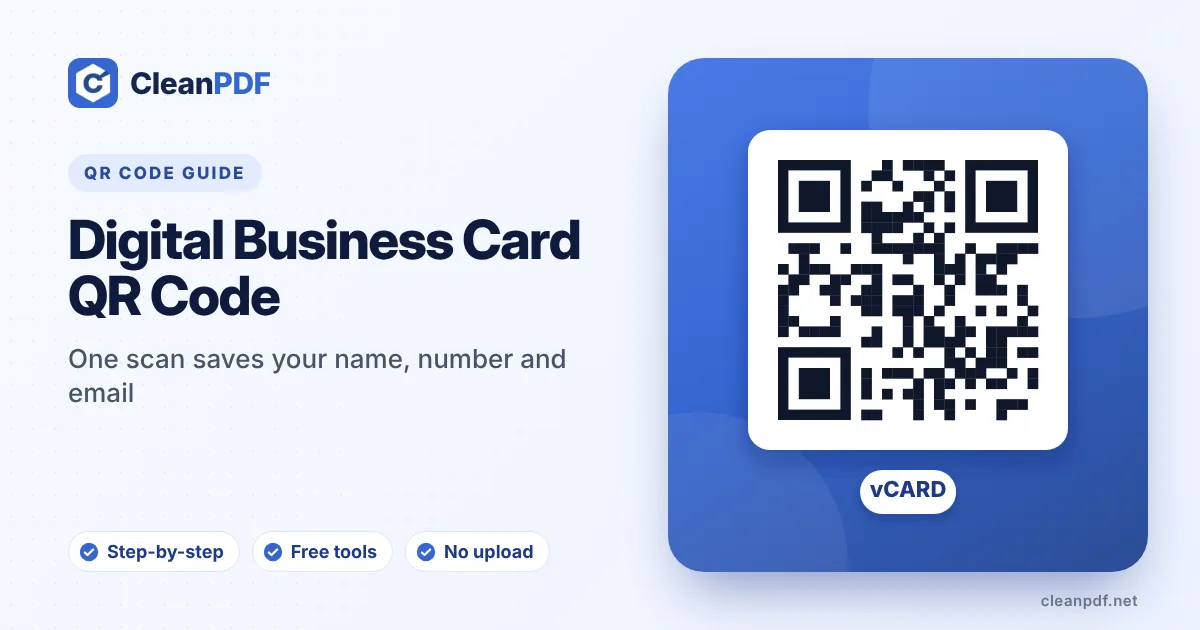
A vCard QR code stores your contact details in the standard vCard format, so a phone offers to save the contact as soon as it’s scanned, with no internet needed. Include your name, mobile number with country code, email, company, job title and website. Leave out the street address and notes unless you really need them, because every extra field makes the code denser. Print it at least 2 × 2 cm.
Paper business cards have a well-known fate: a pocket, a drawer, the bin. The few people who do want to keep in touch have to type your number and email by hand, and they make typos.
A vCard QR code skips that. Someone scans it, their phone shows your contact card, they tap “Save”. Done, and spelled correctly.
What a vCard QR code is
vCard is the standard format phones and email programs use to exchange contacts. It’s the same thing that’s inside a .vcf file. A vCard QR code simply holds that text. Because the details are inside the code itself, it works without internet and doesn’t depend on any website staying online. In other words, it’s a static QR code.
vCard code vs. a link to your profile
| vCard QR code | Link to a profile page | |
|---|---|---|
| Saves to contacts in one tap | Yes | Usually needs an extra step |
| Works without internet | Yes | No |
| Can be updated later | No, reprint after changes | Yes, edit the page |
| Can include photo, portfolio, many links | Limited | Yes |
| Depends on a service | No | Yes, if it’s a paid card service |
For most people, a vCard code is the better default: the whole point of handing over a card is to be saved in someone’s contacts. If you want a portfolio, put the link to it inside the vCard as your website.
Which fields to include
- First and last name: in separate fields so phones sort the contact correctly.
- Mobile number: always with the country code, like
+92 300 1234567or+91 98765 43210. Without it, the number fails when the contact is abroad. - Email: the one you actually read.
- Company and job title: they show under your name in the contact list, which helps people remember who you are.
- Website: your company site, portfolio or LinkedIn profile.
Fields to think twice about:
- Street address: adds a lot of data. Leave it out unless people visit your office.
- Note: long notes make the code much denser.
- Photo: photos are far too large to fit sensibly in a QR code.
- Second and third phone numbers: add one work number at most.
Size and placement on the card
Business cards are scanned at arm’s length, so 2 × 2 cm is the practical minimum. With only name, phone, email, company and website, a code of that size scans easily. If you add many fields, go to 2.5 cm or trim the content. The back of the card is the natural place: the code with a line like “Scan to save my contact” and plenty of white space around it. More on sizing in our QR code print size guide.
Other places a contact code helps
- Email signatures (as an image, for people who read on a computer and want your contact on their phone).
- Conference badges and stand signs.
- Shop counters and delivery vans, with the business number.
- The last slide of a presentation.
- CVs and portfolios: a code linking to your LinkedIn profile is handy too.
A note on privacy
Anything inside the code is readable by anyone who scans it, including someone photographing your card on a table. Only include details you’d happily print on the card itself. Our generator builds the code on your device, so the details aren’t sent to us or stored anywhere.
Test before ordering 500 cards
Scan the code with an iPhone and an Android phone. Open the saved contact and check every field: country code, spelling of your name, email, website. Then print one card on the real card stock, because glossy finishes and small sizes can behave differently from the screen. If anything fails, see why QR codes won’t scan.
Frequently asked questions
What is a vCard QR code?
Can I update a vCard QR code later?
How big should a QR code be on a business card?
Do vCard QR codes work on iPhone and Android?
Should I include my address in a vCard QR code?
Create your contact QR code
Name, number, email, company and website in one code. Built on your device, never uploaded.
Create a vCard QR Code