
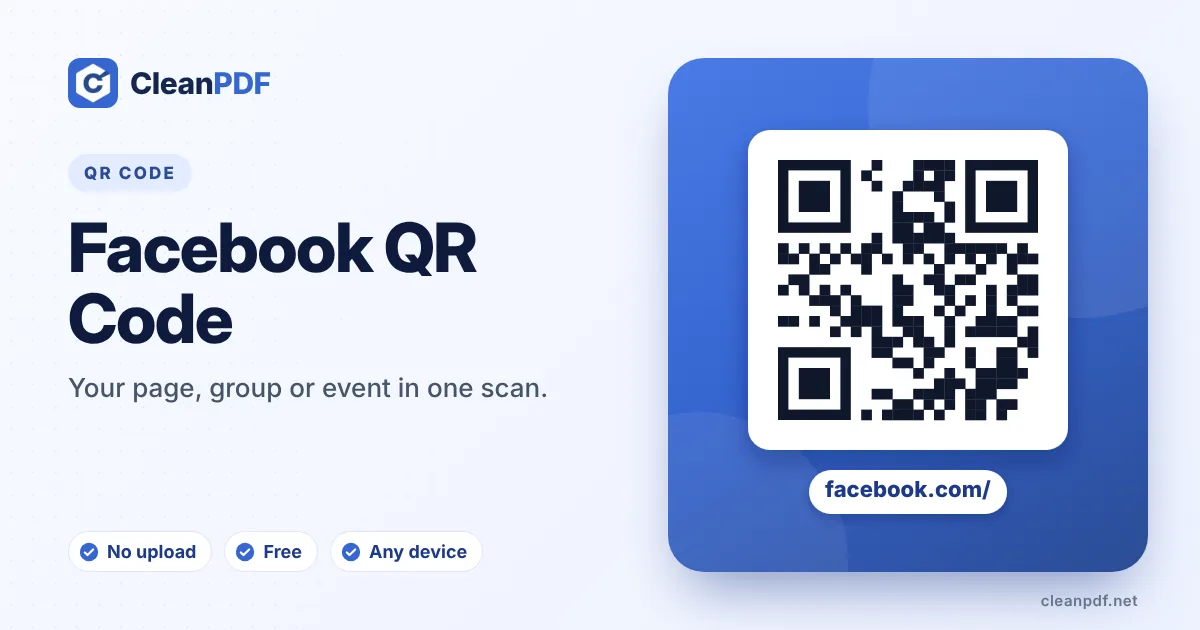
Quick answer: copy the link of your Facebook page, group, event or post (⋯ › Copy link) and paste it into the profile URL box. The QR code opens it in the Facebook app if installed, or in the browser. Style it, scan to test, then download.
What you can link to
| Link | Use it for |
|---|---|
| Business page – facebook.com/yourpage | Reviews, opening hours and messages to your business |
| Group – facebook.com/groups/… | Community, parents’ groups, buy-and-sell groups |
| Event – facebook.com/events/… | Gigs, open days and sales – people tap “Going” |
| Post or video | A specific offer, announcement or live replay |
| Reviews – your page’s /reviews link | Counter cards asking happy customers to recommend you |
Use a username, not a number
Pages without a username have long links like facebook.com/profile.php?id=1000…, which make dense codes. Set a page username in Page settings first – facebook.com/rosiesbakery gives a much cleaner QR code and looks better printed underneath it.
Placement ideas
Receipts and bags (“Like us for weekly deals”), table tents in cafés, school notice boards linking to the parents’ group, and event posters linking to the Facebook event so people can share it with friends.
Promoting a single date? The event QR code generator puts it straight into calendars. To grow more than one channel at once, pair this with an Instagram QR code or use the social media QR code generator for a page that lists them all.
How to make a Facebook QR Code
- Type your page username. The name after facebook.com/. Choose “Messenger chat” to open a chat with your page instead.
- Or paste a link. For a group, event, post or your reviews page, paste the full link.
- Match your brand. Facebook blue or your colours in “Style it”, with your logo in the centre.
- Test and download. Scan the preview, then download PNG, SVG, JPG or PDF.
Page or Messenger?
The “Open” switch decides what happens after the scan. Facebook page sends people to your page to like, follow and read reviews. Messenger chat builds an m.me/yourpage link that opens a conversation with your page – ideal for orders and questions on delivery bags, receipts and service vans.
Getting reviews with a QR code
Happy customers rarely go looking for your reviews page. Print a small card at the till – “Enjoyed your visit? Recommend us on Facebook” – with a code that opens your page’s reviews section (paste that link in the link box). Ask at the right moment, right after good service, and reviews come in steadily.
Groups and events
Community groups use QR codes on notice boards and newsletters; event organisers use them on posters so people tap “Going” and share the event with friends. Paste the group or event link – private groups show a “Join” button, public events show the details straight away.
Which Facebook link for which goal
| Goal | Use | Placement |
|---|---|---|
| More followers | Page username | Receipts, bags, shop door |
| Orders and questions | Messenger (m.me) | Delivery bags, flyers, service vans |
| Reviews | Reviews link | Till card, thank-you note in parcels |
| Attendance | Event link | Posters, school notices |
| Community | Group link | Notice boards, newsletters |
Checklist before printing
- Your page is published (not hidden or restricted by age/country).
- The username in the code matches your page exactly – press “Open Facebook”.
- For Messenger, check that messaging is switched on for your page.
- Pick a caption that says what people get: “Message us to order”, not just “Facebook”.
Frequently asked questions
Does the QR code open the Facebook app?
Yes, on phones with the app installed. Otherwise the page opens in the browser.
Can I link to my Messenger chat?
Yes. Use your m.me/yourpage link to open a Messenger conversation with your page.
Can people leave a review from the code?
Link to your page’s reviews section and they land right where they can recommend you.
Why is my Facebook QR code so dense?
Your page probably has a long profile.php?id= link. Set a username for the page and use that shorter link.
Does it work for private groups?
Yes – people will see the group and can ask to join.
Do I need to be logged in?
No. You only paste a public link; we never connect to Facebook.
Can the code open a Messenger chat?
Yes. Choose “Messenger chat (m.me)” and the code opens a conversation with your page in Messenger.
What if my page has no username?
Paste the full page link instead. Better still, set a username in your page settings first – it gives a shorter, cleaner code.
Can I use one code for Facebook and Instagram?
One QR code holds one link. Use two codes, or link a web page that shows both profiles.
Does a Facebook QR code need the Facebook app?
No. Without the app, the page opens in the phone’s browser; some actions such as messaging may ask the person to log in.