
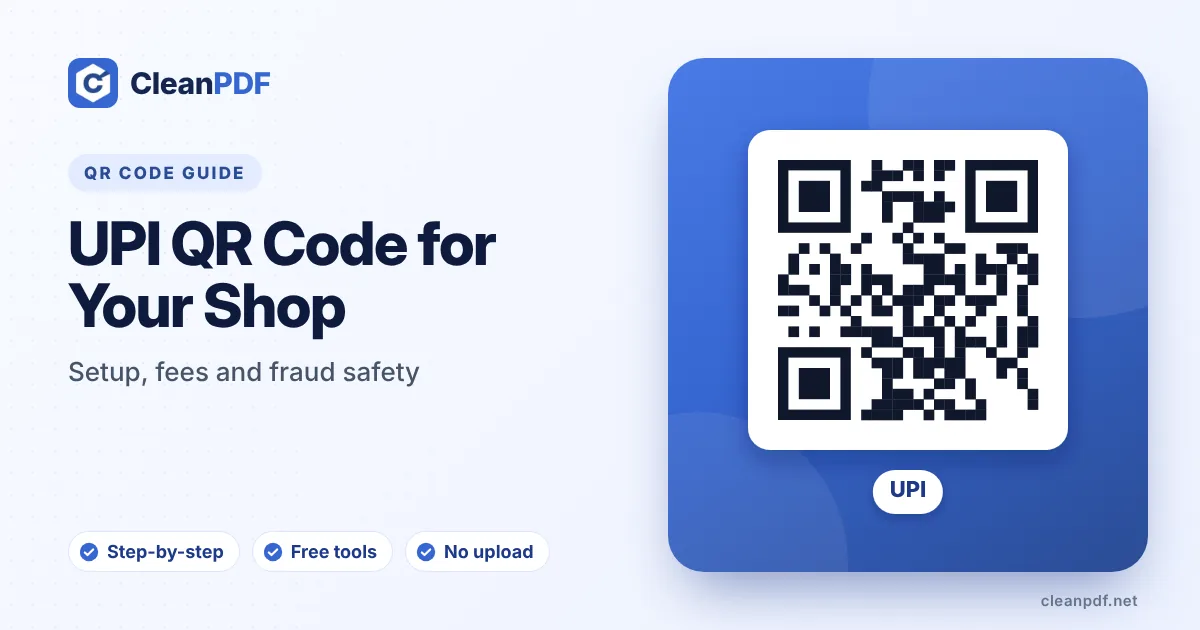
Get a UPI ID (VPA) from your bank or payment app, ideally a merchant ID for business use, then make a QR code that contains it and your shop name. Leave the amount empty for a reusable counter code. Test it with ₹1 before printing, display it where staff can see it, and check regularly that nobody has stuck another code over it. Customers never pay a fee for UPI; from 15 October 2026 some larger merchant payments above ₹2,000 carry a small fee for the merchant.
From tea stalls to pharmacies, UPI QR codes are now the default way to get paid in India. For a shop owner, the setup takes minutes. What deserves more attention is making sure the money actually lands in your account, and understanding the fee rules that changed in October 2026.
How a UPI QR code works
A UPI QR code holds a payment link in a standard format, roughly:
upi://pay?pa=yourshop@bank&pn=Your Shop Name
pa is your UPI ID (also called a VPA) and pn is the name the customer sees. Optional fields can add a fixed amount (am) and a note (tn). Every UPI app understands this format, so one code works with Google Pay, PhonePe, Paytm, BHIM and bank apps.
Personal or merchant UPI ID?
Many small shops start by showing their personal UPI ID. It works, but a merchant ID is better for a business:
- Payments are recorded as business receipts, which keeps your accounts and tax records clean.
- Banks and payment apps may limit or question heavy business activity on personal accounts.
- Merchant accounts often come with a soundbox or app that announces each payment.
- Customers see a shop name, which builds trust.
Ask your bank or payment app about a merchant or “business” UPI account. Small merchants can usually open one with basic KYC.
Fees: what changed in October 2026
UPI is free for customers, and that hasn’t changed. Merchants also paid nothing for years, but under the framework NPCI announced in 2026, which started on 15 October 2026:
| Payment | Merchant fee (MDR) |
|---|---|
| Up to ₹2,000 | Free |
| Small merchants receiving up to ₹1 lakh a month through UPI QR | Free under the exempt tier |
| Other merchant payments above ₹2,000 | 0.4%, capped at ₹300 per payment |
| Some notified categories (railways, telecom, insurance, fuel) | ₹5 per payment above ₹2,000 |
| Person-to-person transfers | Free at any amount |
Merchants are not allowed to pass the fee on to customers as a surcharge. Rules like these get adjusted, so confirm the current terms with your bank or payment provider. For most corner shops with modest UPI takings, payments remain free.
Creating the code
- Copy your UPI ID exactly.
Take it from your banking or payment app’s profile. It ends in
@and a bank handle. - Use the registered name.
Some apps compare the name in the code with the name on the account. Use the shop name as registered.
- Leave the amount empty for the counter.
Customers type the amount. Add a fixed amount only for a single product or fee, such as a ₹500 registration.
- Generate and test.
Make the code in a UPI QR code generator, then pay ₹1 from another phone and check the payee name and that the money arrives.
Displaying it at the counter
- Print at least 5 cm wide for a counter standee, larger if customers scan from a distance.
- Laminate it or put it in a stand, so it survives spills and can be wiped.
- Place it where your staff can see it all day. That is your best defence against tampering.
- Show the shop name and UPI ID under the code so customers can compare with what their app shows.
Fraud to watch for
The sticker swap
Someone sticks their own code over yours. Customers pay, money goes to the fraudster, and you find out at the end of the day. Prevent it by keeping the code in view, checking it during the day and using a payment soundbox or app notification for every payment.
The fake screenshot
A customer shows a “payment successful” screen, but no money arrived. Never hand over goods on the strength of the customer’s phone. Wait for your own soundbox, SMS or app alert.
“Scan this to receive your refund”
A caller or “customer” sends a QR code and asks you to scan it to receive money. Scanning a UPI code and entering your PIN always sends money. You never need your PIN to receive. More in our guide to QR code scams.
Using the same code online
The same UPI QR works on invoices, WhatsApp catalogues and order confirmations. For invoices, a fixed-amount code with the invoice number in the note makes reconciliation easy. Our Sign PDF and JPG to PDF tools help you put a code and signature on a simple invoice PDF.
Frequently asked questions
Is a UPI QR code free for shops?
Can I use my personal UPI ID for my shop?
Should I put an amount in my UPI QR code?
How do I stop someone replacing my UPI QR code?
Does a UPI QR code work with all apps?
Make your shop’s UPI QR code
One code for every UPI app, with your shop name. Built on your device; your UPI ID is never sent to us.
Create a UPI QR Code