
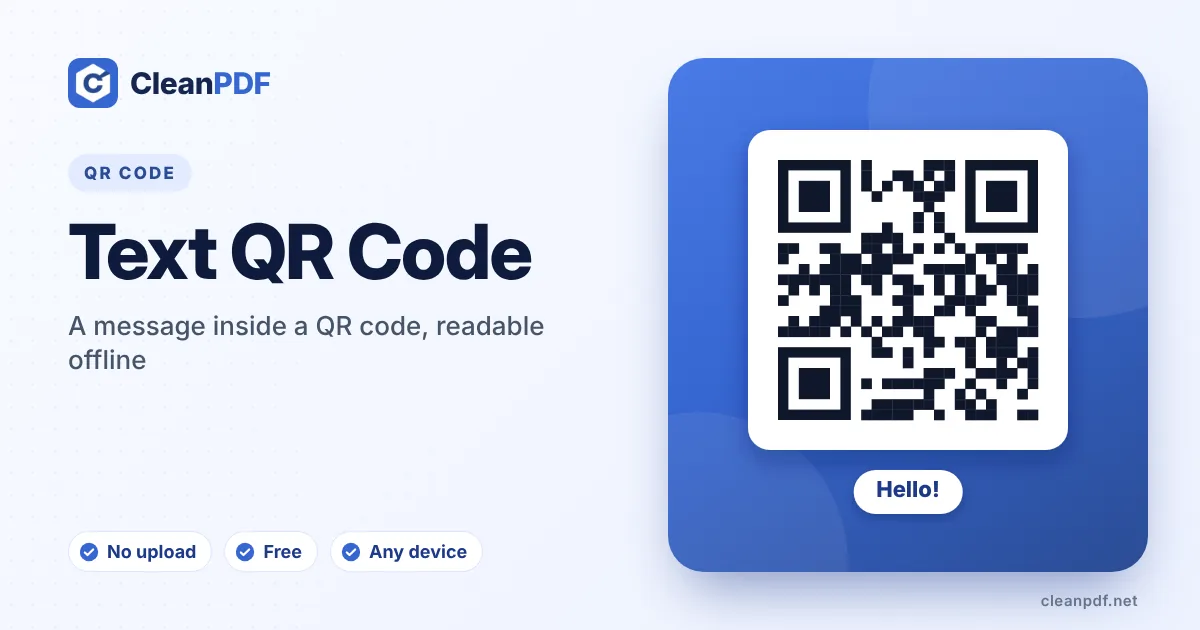
Quick answer: type or paste your text into the box and the QR code is created as you write. When someone scans it, their phone shows the text itself – nothing is opened online. Keep it under about 300 characters for a code that is easy to scan, and download it as PNG or SVG.
When plain text is the right choice
A text QR code holds words, not a link. The scan result appears right on the phone screen, so it works in a basement, on a plane or in a field with no signal. People use them for things like:
- Equipment labels – serial number, purchase date and the person to call when it breaks.
- Treasure hunts and escape rooms – the next clue, readable only by scanning.
- Warehouse and lab notes – batch details or handling instructions on a box.
- Gift tags and wedding favours – a short personal message that feels like a surprise.
How much text fits?
A QR code can technically hold about 2,900 letters or 7,000 digits, but nobody wants to scan that. Every word adds modules, and a crowded code needs perfect light and a steady hand. As a practical guide:
| Length | Result |
|---|---|
| Up to 100 characters | Small, open code – scans instantly even at 2 cm. |
| 100–300 characters | Still comfortable; print at 3 cm or more. |
| 300–800 characters | Dense – print at least 5 cm and use error correction L or M. |
| Over 800 characters | Put the text on a web page or in a PDF and use a link instead. |
Line breaks are kept, and so are accented letters, Urdu, Arabic, Hindi, Chinese and emoji – the text is stored as UTF-8, which every modern phone reads.
If the text is really a contact, use the vCard QR code generator so phones offer to save it in one tap. Got a printed page you want to put into a code? Pull the words out first with Image to Text (OCR), then paste them here.
How to put text in a QR code
- Write your message. Type or paste the text. Use line breaks to keep lists readable on the phone screen.
- Watch the length. The code gets denser as you write. If it looks crowded, shorten the text or print larger.
- Pick a style. Colours and a logo are optional; dark modules on a light background always scan best.
- Scan and download. Check that the phone shows the full text, then download PNG, SVG, JPG or PDF.
A word about privacy
Anyone who scans the code can read the text – there is no password. Don’t put card numbers, passwords or private health details in a text QR code that will be left in public. For Wi-Fi passwords use the Wi-Fi QR code, which joins the network without showing the password on a web page.
Text codes on labels: a practical layout
For equipment and stock labels, keep one fact per line and start each line with a short label (“Asset:”, “Owner:”, “Next service:”). Phones show the text exactly as typed, so a tidy layout is readable in two seconds. The example buttons above fill the box with a ready layout you can edit.
If the label will be printed on a thermal or label printer, choose error correction Q in the style options – labels get scratched, and Q lets the code survive about a quarter of it being damaged. Download as SVG for crisp edges on label software.
Text vs. a link: which to use?
| Text QR code | Link QR code | |
|---|---|---|
| Needs internet | No | Yes |
| Can be changed later | No – the text is in the code | Yes, if you edit the web page |
| Best length | Under 300 characters | Any page length |
| Good for | Labels, clues, offline notes | Menus, manuals, anything that changes |
Frequently asked questions
Does a text QR code need the internet?
No. The text is inside the code, so the phone shows it even with no signal or mobile data.
Can I use Urdu, Arabic or other languages?
Yes. Text is stored as UTF-8, so any language and most emoji display correctly on modern phones.
Why does my phone search the web when I scan it?
Some camera apps offer a web search for plain text. The text itself is shown first; the search is just an extra button.
Is there a character limit?
The format allows about 2,900 characters, but codes stay easy to scan below roughly 300. For longer content, link to a page or PDF instead.
Will line breaks be kept?
Yes. Line breaks are saved in the code and most phones display them.
Can people edit the text after scanning?
They can copy it, but the code itself always contains exactly what you typed. To change the message you need a new code.
Can a text QR code hold a password?
It can, but anyone who scans it reads it in plain text. For Wi-Fi, use the Wi-Fi QR code instead, which connects the phone directly.
What does the character counter mean?
It counts what goes into the code. Past about 300 characters the pattern gets dense, so the counter turns orange as a reminder to print larger or shorten the text.